Controls
Arrow Left and Right switch lanes, Arrow Up jumps, and Arrow Down rolls. Spacebar often activates a hoverboard. On supported touchscreens, use the matching swipe gestures.

Vivid Coder GamesVerse brings together 31 Subway Surfers browser games, from the classic railway chase to World Tour editions inspired by Tokyo, Paris, Barcelona, New York, London, Havana, Seoul, Singapore, and Hawaii.
Every edition has its own Vivid Coder page with controls, instructions, FAQs, and related games. No Vivid Coder signup or game download is required: choose a destination and press play.
Select any game card to open its dedicated play page. The collection includes the core runner, classic-style builds, and city-themed World Tour editions.
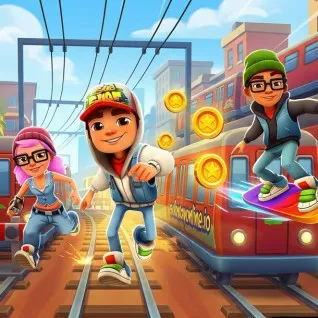
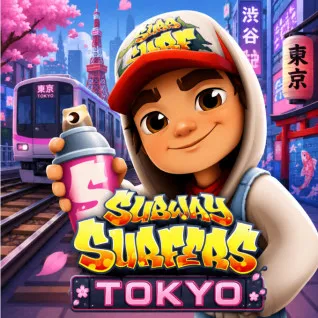
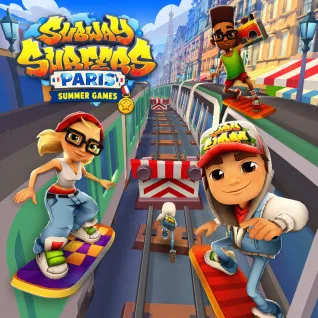
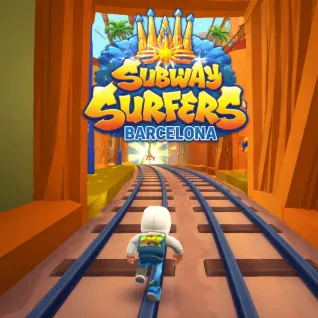
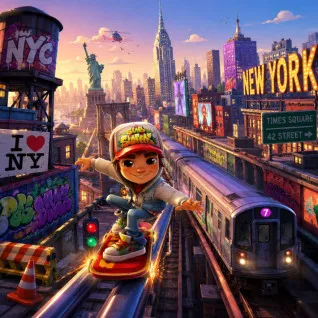
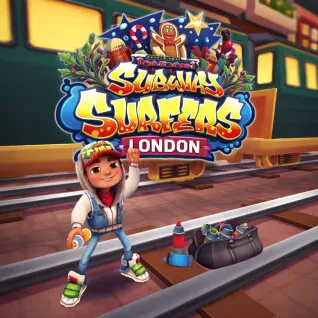
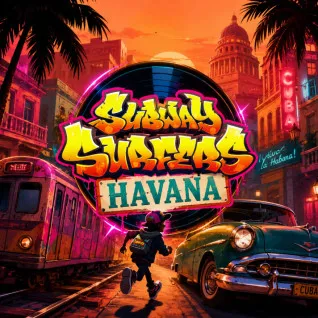
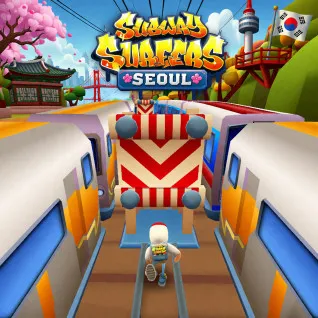
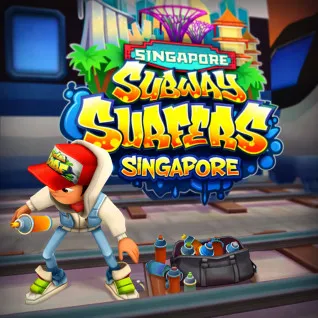
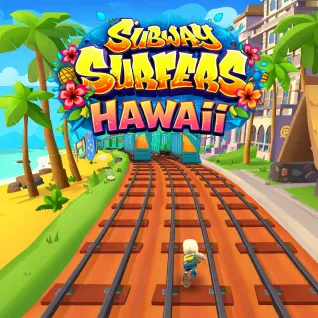
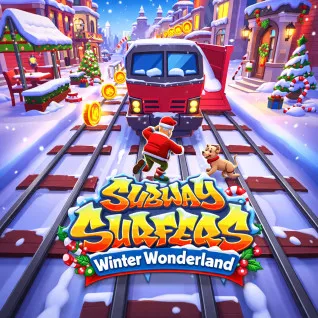
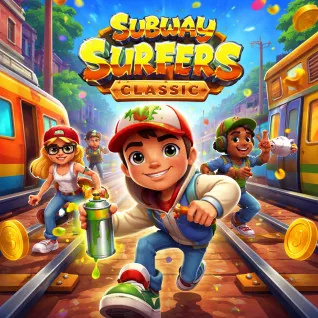
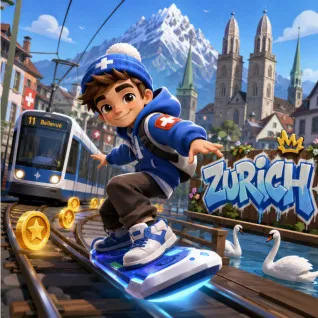
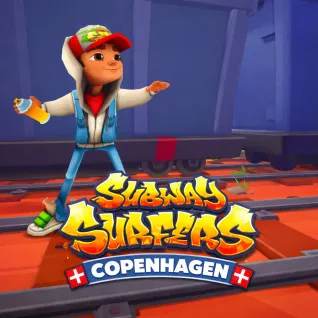
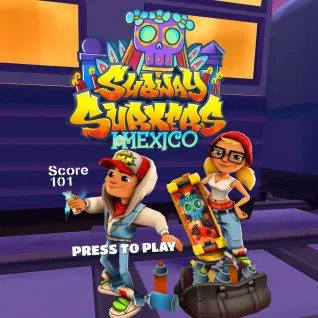
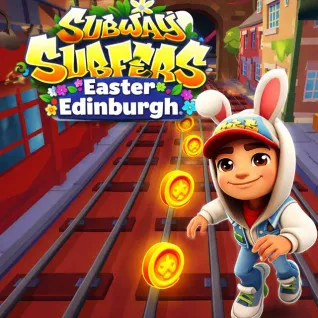
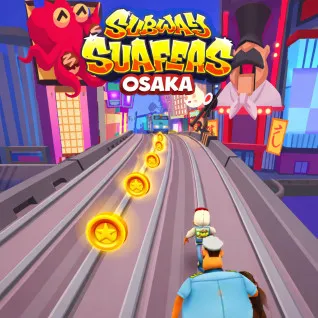
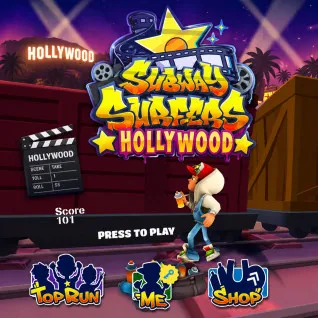
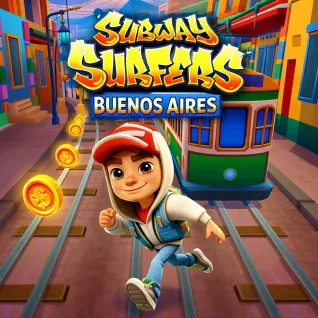
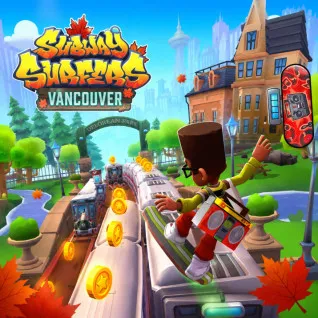
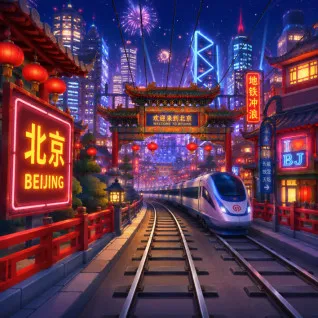
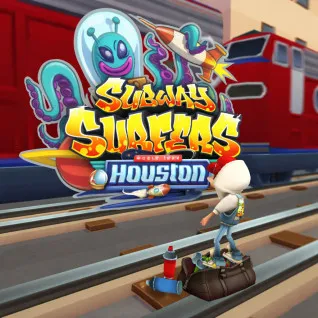
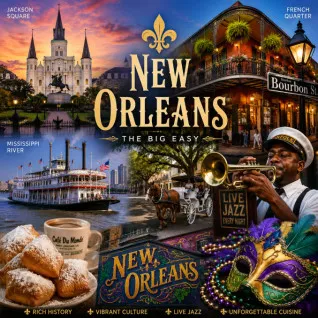
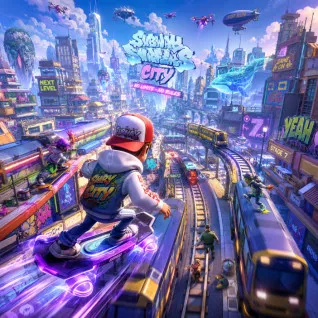
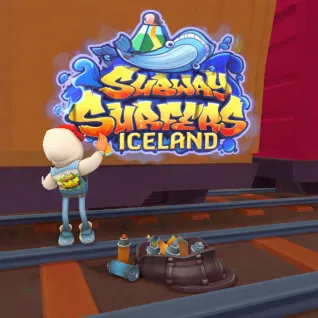
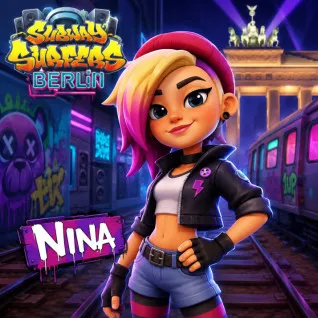
Every edition uses the same basic endless-runner idea, but the visual setting and seasonal content change. Use this comparison to choose a version quickly.
| Edition | Theme | Best for | Play |
|---|---|---|---|
| Subway Surfers Original | Original-style characters, trains, and power-ups | Classic endless-runner gameplay | Play now → |
| Subway Surfers Tokyo | Bright neon tracks inspired by Tokyo | Fast reflex challenges | Play now → |
| Subway Surfers Paris Summer Games | Paris with a colorful summer sports event | Seasonal challenges | Play now → |
| Subway Surfers Barcelona | Warm, colorful Barcelona-inspired railway routes | A lively city backdrop | Play now → |
| Subway Surfers New York World Tour | The destination associated with the first World Tour | World Tour history | Play now → |
| Subway Surfers London | A festive winter setting inspired by London | Snowy city runs | Play now → |
| Subway Surfers Havana | Tropical colors and Cuban-inspired streets | A bright, energetic run | Play now → |
| Subway Surfers Seoul | A modern city setting inspired by Seoul | Clean World Tour visuals | Play now → |
| Subway Surfers Singapore | Colorful tracks and a Singapore-inspired skyline | A vibrant urban edition | Play now → |
| Subway Surfers Hawaii | Palm trees, beaches, and island-themed boards | Tropical scenery | Play now → |
| Subway Surfers Winter Wonderland | Snow, festive lights, and holiday rewards | A Christmas-themed run | Play now → |
| Subway Surfers Classic | The early Subway Surfers look and core mechanics | Series nostalgia | Play now → |
| Subway Surfers Zurich | Snowy Swiss-inspired tracks, trams, and alpine scenery | A crisp winter city run | Play now → |
| Subway Surfers Blast | Tap-to-blast puzzles with familiar characters | Short puzzle sessions | Play now → |
| Subway Surfers Copenhagen | Colorful Denmark-inspired streets and collection hunts | World Tour challenges | Play now → |
| Subway Surfers Mexico | Halloween colors, cemetery scenery, and themed rewards | A spooky seasonal run | Play now → |
| Subway Surfers Easter Edinburgh | Pastel Edinburgh scenery and Easter collectibles | A cheerful spring event | Play now → |
| Subway Surfers Osaka | An energetic Japanese city railway route | Fast World Tour action | Play now → |
| Subway Surfers Year of the Snake | Lanterns, fireworks, and Lunar New Year rewards | A zodiac-themed event | Play now → |
| Subway Surfers Hollywood | Movie-set details, palm trees, and sunset color | Cinematic scenery | Play now → |
| Subway Surfers Buenos Aires | Argentina-inspired city scenery and tango details | A lively Latin city run | Play now → |
| Subway Surfers Vancouver | Autumn tracks, maple-leaf hunts, and Canadian rewards | Clear routes and collection goals | Play now → |
| Subway Surfers Beijing | Red lanterns, modern trains, and Chinese-inspired boards | Festival color and fast trains | Play now → |
| Subway Surfers Houston | Rockets, astronaut imagery, and futuristic boards | A space-themed run | Play now → |
| Subway Surfers New Orleans | Purple Halloween nights, pumpkins, and jazz details | A spooky night route | Play now → |
| Subway Surfers City | A city-focused railway run with familiar power-ups | Urban endless-running gameplay | Play now → |
| Subway Surfers Iceland | Icy Nordic-inspired tracks and winter rewards | Snowy landscape fans | Play now → |
| Subway Surfers Berlin | Neon light, graffiti, and modern German street style | A cyberpunk city atmosphere | Play now → |
| Subway Crackers | A separate browser railway runner with daily objectives | Classic high-score replayability | Play now → |
| Subway Surfers Unblocked | Browser-access railway running with no Vivid Coder install | Simple browser access | Play now → |
| Subway Surfers Las Vegas | Neon night tracks, aquarium details, and glowing boards | Bright entertainment-city scenery | Play now → |
The runner moves forward automatically. Your job is to read the railway ahead and choose the correct lane, jump, or roll before an obstacle arrives.
Arrow Left and Right switch lanes, Arrow Up jumps, and Arrow Down rolls. Spacebar often activates a hoverboard. On supported touchscreens, use the matching swipe gestures.
Jetpacks fly above track hazards, coin magnets collect nearby coins, super sneakers raise jump height, and score multipliers help a successful run earn points faster.
Avoid trains and barriers for as long as possible, collect useful rewards, complete available missions, and beat your previous distance or score.
Reading distant trains and barriers gives you more time to choose a safe lane.
When it is clear, the middle lane usually leaves both left and right as possible escape routes.
Board protection is most valuable after the speed rises or before a crowded obstacle pattern.
A safe route keeps the multiplier and run alive; one risky coin line can end both.
Quick answers about browser play, controls, World Tour editions, mobile support, and network access.
You can browse and play 31 Subway Surfers browser editions on this Vivid Coder GamesVerse collection page. Choose an edition, open its game page, and press the play button to load it in your browser.
Yes. The games in this collection use browser players, so Vivid Coder does not require an app installation, launcher, or account. The external game provider must still be reachable from your network.
Subway Surfers, Subway Surfers Original, and Subway Surfers Classic are the clearest starting points because they focus on the familiar three-lane chase, standard obstacles, and core power-ups.
Use the left and right arrow keys to switch lanes, the up arrow to jump, and the down arrow to roll. Many editions use Spacebar to activate a hoverboard when one is available.
Many embedded editions support swipe controls on compatible mobile browsers: swipe left or right to change lanes, up to jump, and down to roll. Support can vary by edition and device.
The goal is to run as far as possible, avoid trains and barriers, collect coins and power-ups, complete available missions, and build a higher score before the inspector catches the runner.
World Tour editions place the familiar endless-running gameplay in city-inspired settings such as Tokyo, Barcelona, New York, London, Havana, Seoul, and Singapore, often with themed characters, boards, and seasonal rewards.
The games run in a standard browser and need no Vivid Coder download or signup. Whether a specific edition loads at school or work depends on the network policy and whether its external game host is permitted.
Looking beyond the railway? Browse more free arcade games, find endless runner games, or visit the complete Vivid Coder game library.